Helping audio drama teams direct every scene.
Share scenes, takes and rough cuts with your director, writers, cast and sound designers. Everyone leaves timestamped notes right on the waveform, without needing an account. Used by podcast agencies like Lower Street and broadcasters like Radio New Zealand.


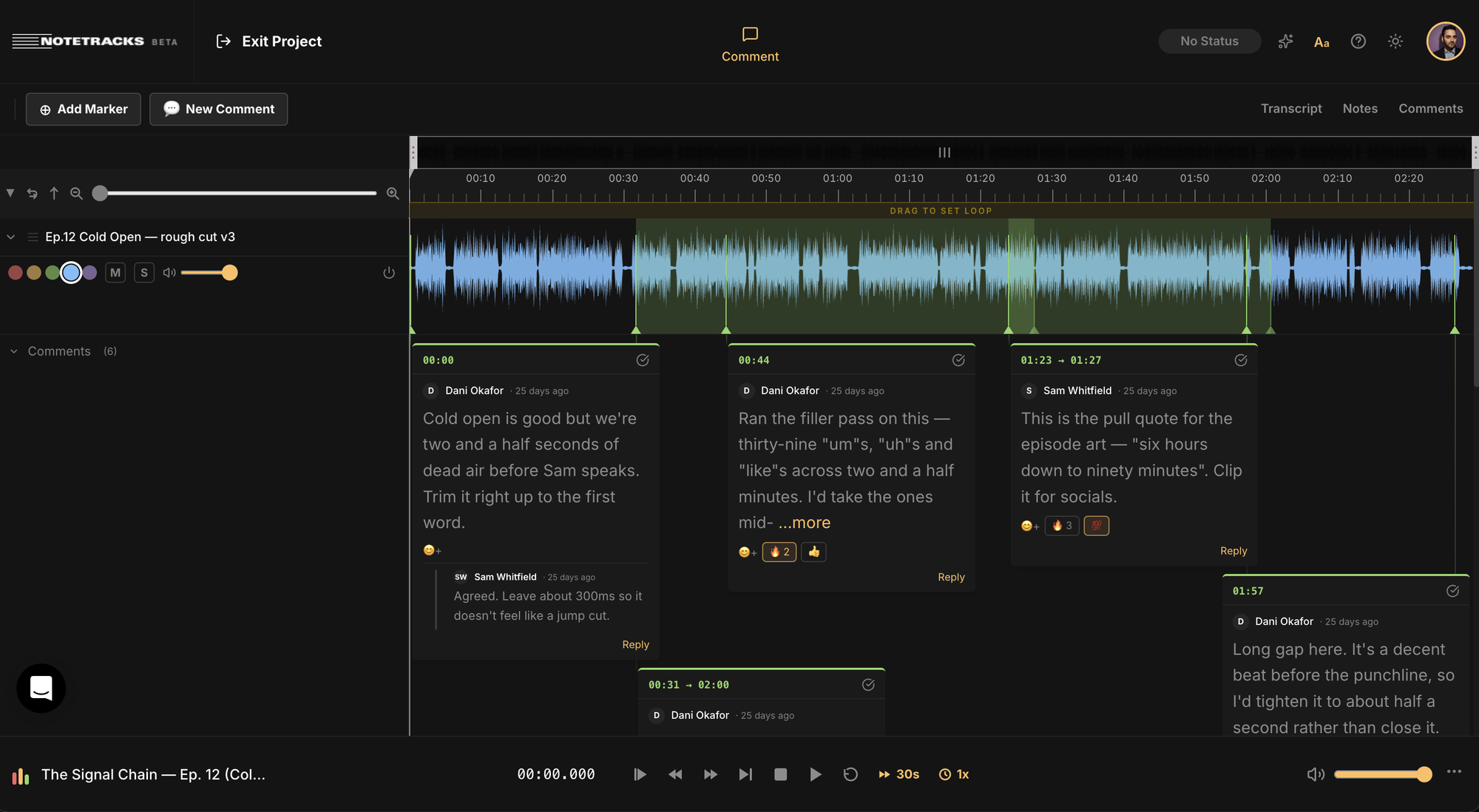
Notes for every line, take and cue.
Audio drama and scripted fiction podcasts have more voices in the room than most productions. Notetracks keeps direction for the cast, notes for the edit and cues for sound design in one place, each pinned to the exact moment it's about.

Direction on every take
Directors and writers comment on a line at the exact second, in text or as a voice note, so actors know precisely what to change in the next take.

Every take in one project
Import multiple takes or cuts of a scene and switch between them in one place. Compare performances and versions side by side, with the notes for each one kept together.

Notes that land in your session
Export comments as markers into Pro Tools, Adobe Audition, Audacity or Hindenburg, so your sound designer sees every note right on the timeline.
Every episode on one board
From script to final mix. Move each scene or episode from To Do to In Progress to Done, keep the fix list in the project notepad, and search the timestamped transcript to find any line.


“Notetracks Pro makes the process of communication with the clients, artists, a&rs that much more simple.”

“In our podcast collaboration with 3-4 people we started using Notetracks to have an ongoing dialogue on the actual audio track”
Use Notetracks on all your audio projects

Get song feedback pinned to tracks section by section. Make tweaks so productions sound alive when they’re released.

Communicate ideas on drafts, save time on edits and deliver amazing episodes.

Analyze songs, submit assignments and gather peer and educator feedback.


